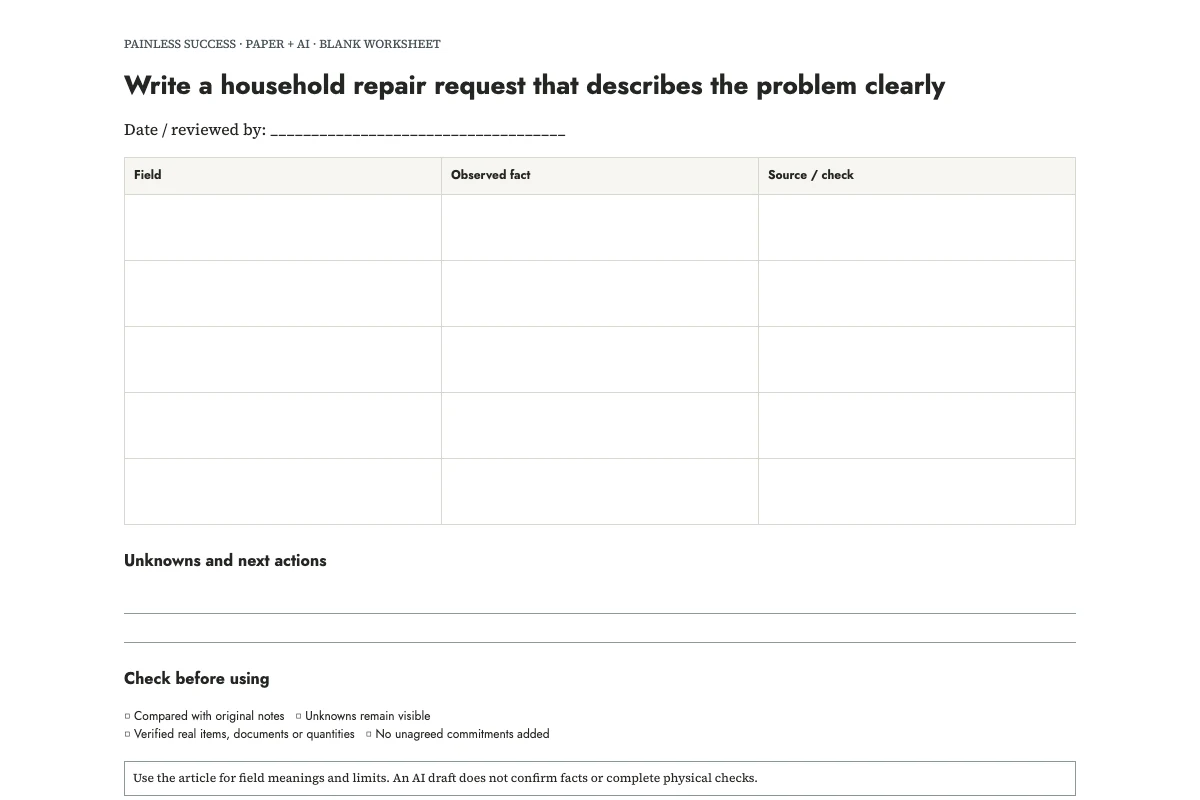
You can write a useful repair request without knowing which part has failed. Describe what you observed, where it happened and what response you need. For a cupboard door, “the lower edge catches when I close it” gives the recipient a problem to assess without asking them to rely on an unverified AI diagnosis.
In this invented example, a hall cupboard door catches along its lower edge. The household first noticed it on Saturday, but did not record the date. Two photographs are planned; neither has been taken. A good draft says: “Could you tell me what further information you need to assess this?” It does not say that a hinge has failed, that photographs are attached or that someone is available tomorrow.
Print a blank brief, see the filled example, and download the prompt. Use the sheet to prepare an ordinary inquiry. It is not a diagnostic checklist or an emergency reporting procedure.
Record what you can directly describe
Name the item and its location, then describe the problem in one sentence. Report the movement, sound, visible mark or other detail you observed. “Catches along the lower edge” describes what happened; “needs a new hinge” proposes an explanation. If you include speculation, keep it in a separate box.
Record when you first noticed the issue, and distinguish that from when you believe it started. If you only know “Saturday,” leave the exact date unknown until you check. A model can make the sentence more fluent, but it cannot recover a date that was never supplied.
Do not reproduce a problem merely to improve the description if doing so seems unsafe or could cause damage. The sheet can say that a behavior was observed once and has not been repeated. For an urgent or potentially dangerous situation, use the appropriate existing emergency or property-reporting route rather than waiting to complete this ordinary paperwork exercise.
Decide what you are asking for
Decide whether you want information, an appointment or work to proceed. For a first contact, I would ask what information the recipient needs and how they assess the problem. You can then understand the proposed service before agreeing to it.
Write any real access constraints separately. “Weekday mornings may be possible; please ask first” is different from “access confirmed on Monday.” Do not include entry codes or unrelated personal schedules in an AI prompt. You can add necessary logistical details directly to the checked message later.
If you are contacting a landlord, building manager or service provider, check their designated reporting channel. A polished email sitting in the wrong inbox may not start the process you expect. This article does not decide who is responsible for the work or what procedure applies to your property.
Gather attachments without overstating them
Label attachments with three states: planned, ready and included. The two photos in the practice example are still planned. Wait until you have attached suitable files before writing “see attached photos.”
Check a photograph for unrelated household details before sharing it. A wide view may help explain location, but it can also show papers, faces or information unrelated to the request. Keep the original privately if needed and choose only the relevant material for the message.
Name the chosen files so the recipient can tell them apart, for example cupboard-whole and cupboard-contact-point. Use the photos to illustrate what you observed. Do not claim they establish the cause when the images cannot show it.
Use AI as a drafting assistant
OpenAI's prompting guidance recommends clear instructions and refinement after review. Ask the assistant to organize your observations into an inquiry, and keep troubleshooting outside that request. For an assistant with tools, the bounded agent task brief separates permission to draft from permission to send.
Draft a short repair inquiry from these invented notes. Separate observations, unknowns, attachments and requested next step. Preserve uncertainty. Do not diagnose, suggest repair procedures, assign responsibility, estimate prices or claim a booking. Do not send anything.
N1: Item: hall cupboard door.
N2: The door catches on its lower edge when closing. The cause is unknown.
N3: First noticed on Saturday; exact calendar date was not recorded. No previous incident information is supplied.
N4: Two photos are planned, one of the whole cupboard and one of the visible contact point. They have not been taken or attached.
N5: Ask the repair contact which further information they need to assess the request and whether they can explain the next step before any appointment is agreed.
N6: No access time, price, repair authorization or appointment has been agreed.
Return a subject line, an inquiry under 150 words, and a separate checklist of facts to confirm before sending. Cite note IDs in the checklist only.
A suitable editorial model is: “Subject: Hall cupboard door catching when closing. Hello, the hall cupboard door catches along its lower edge when I close it. I first noticed this on Saturday, but have not recorded the exact date. I do not know the cause. Could you let me know what information you need to assess the issue and what the next step would be? I plan to take an overall photo and a closer photo of the contact point.” This model is a prepared example, not a sent message or a tested service outcome.
Check the verbs before sending
Look for words that silently increase certainty: confirmed, failed, approved, attached, booked and completed. Compare each with your notes. “The hinge has failed” is unsupported here. “Photos attached” is false until the files are included. “Please proceed” gives a different instruction from “please explain the next step.”
OpenAI's accuracy guidance warns that confident output can be inaccurate. In a repair inquiry, the risk can be a small unsupported detail rather than an elaborate false explanation. Read the final message once as the person receiving it: what would they reasonably think you had established or agreed?
When you send the checked description through the appropriate channel, record the sent date and any reference number on the paper sheet. Keep proposed appointments separate from confirmed ones. Add the next action when a reply arrives, including who accepted it. If you later need to weigh the cost of the work, use repair or replace.
Sources and scope
This is an original editorial organization method. The cited OpenAI pages support the narrow AI-writing guidance, not measured productivity benefits. Examples are invented. No legal, technical repair, nutrition or food-safety determination is made.
More practical tools
Unstick a task or compare two options. Fill in your own details, then print the result or download your notes.