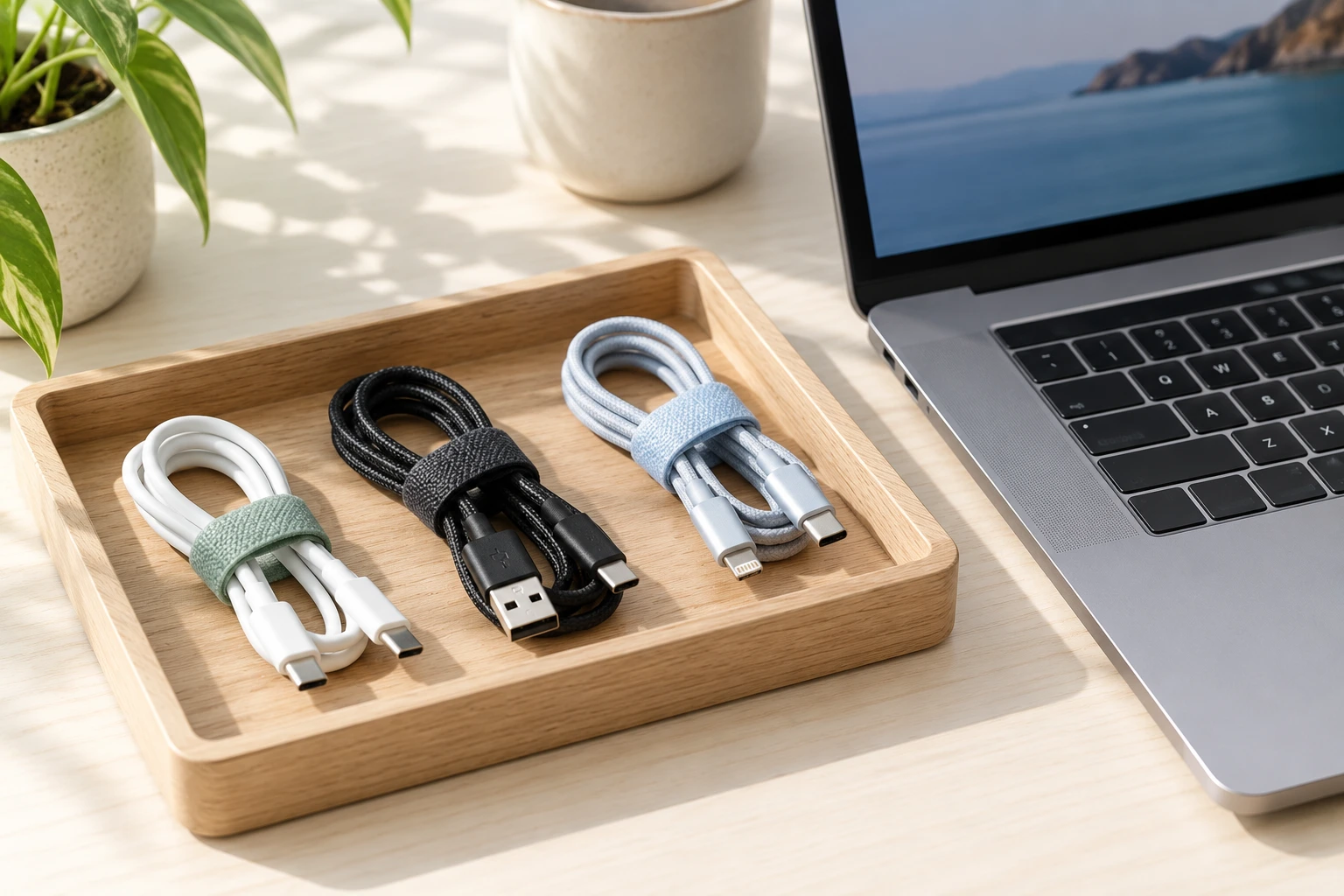
Give each spare cable a short ID, put the same ID on your paper inventory, and record where you store it. AI can turn rough observations into a consistent list and label text. You still need to identify the cable and check its specifications from reliable product information.
Here is a complete practice example: five cables become five records, four numbered pockets and one review pouch. I would start with one small drawer. If you have only two easily recognized spares, a handwritten label is probably enough; an AI pass becomes useful when inconsistent notes make the list hard to scan.
Print the blank inventory worksheet · Print the filled example · Download the complete prompt. Use A4 or US Letter in portrait, or Save as PDF.
1. Assign IDs before sorting the drawer
Gather disconnected spare cables, paper, a pencil and storage pockets or small bags. Work with one item at a time. Assign C01 to the first, C02 to the next, and continue without reusing numbers. Attach a loose paper tag to its storage tie or bag; keep labels off connector contacts.
Write what you can actually observe: color, approximate length, printed text and whether the original package is available. Record both ends separately if you know their names. Otherwise write “not identified.” A familiar shape or an old handwritten device name is not enough to establish supported charging power or data speed.

2. Give AI this bounded formatting task
The notes below are invented teaching material, with deliberately incomplete records. You can paste them unchanged to see the desired structure. For your own inventory, replace the observations after checking each physical cable.
OpenAI’s prompting guidance recommends specific instructions and reviewing the response. The fixed IDs and named columns make that review straightforward.
Format these observations into a cable inventory and short paper labels. Use only the supplied notes. Keep IDs C01–C05 unchanged. Return columns: ID, observed description, evidence still needed, storage. Then return five labels containing only ID and storage. Do not infer charging wattage, data speed, electrical safety, connector standard or device compatibility. Do not recommend plugging in unidentified items. Preserve unknowns. This is a formatting task: do not browse, purchase, delete files or control devices.

Invented practice observations:
C01: white cable, approximately 1 m; both ends photographed but connector names not checked; pocket A1.
C02: black cable, approximately 2 m; paper sleeve says camera cable but camera model absent; pocket A2.
C03: blue cable, approximately 0.5 m; no legible markings; pocket B1.
C04: grey cable, approximately 1 m; original package present, model field not yet copied; pocket B2.
C05: black cable, approximately 1 m; faded handwritten tag says spare; identification pending; separate review pouch.

Use needs identification where specifications are missing. Do not merge C02 and C05 because they share a color. Keep approximate measurements approximate. Count the final records and flag missing or duplicate IDs.
3. Compare the returned list with all five items
| ID | Recorded observation | Still needed | Storage |
|---|---|---|---|
| C01 | White, about 1 m | Connector names and specifications | A1 |
| C02 | Black, about 2 m; sleeve says camera cable | Exact camera and cable model | A2 |
| C03 | Blue, about 0.5 m; no readable marking | Identification and specifications | B1 |
| C04 | Grey, about 1 m; package available | Copy model; check manufacturer information | B2 |
| C05 | Black, about 1 m; tag says spare | Identification pending | Review pouch |
This table is the expected editorial example, not a report of a completed AI test. There are five unique IDs. C02 and C05 remain separate, even though both cables are black. C04 still needs its model copied from the package; the existence of packaging does not fill that field automatically.
Read each row beside the corresponding item. Reject any added specification that your notes did not supply. If the output turns “about 1 m” into an exact measurement, restore the approximation. Check that the review pouch has not disappeared during sorting.
4. Make labels and put the index where you look
- Write these example labels on five separate tags: C01 · A1; C02 · A2; C03 · B1; C04 · B2; C05 · Review pouch.
- Match every tag to the inventory while the cable is still in front of you.
- Place each item in the listed pocket. Keep unidentified items separate until you have checked them.
- Put the printed index inside the drawer or on the storage box. Try finding C03 using the index alone.
- When a cable moves, change its storage entry immediately. Keep its ID unchanged.

I would keep only the ID and location on the small tag. Detailed specifications belong in the checked record, where there is room for the exact model and a manufacturer source. If an item already has a clear product label, preserve it and use your tag only as an additional reference.
5. Use photos carefully and leave unknowns visible
A close photograph can help you transcribe markings, but it is not a compatibility certificate. OpenAI’s image-input documentation notes that image descriptions can be wrong and unclear text may be misinterpreted. Compare any extracted wording against the original before adding it to your record.
If a marking is unreadable, record that fact and look for the original package or exact manufacturer documentation. Do not ask the model to choose a plausible rating. This workflow does not test electrical safety, diagnose damage or establish whether an unidentified cable is suitable for a device.
For longer handwritten notes, use the transcription checking workflow first. If you later delegate product-document research, give the agent a bounded task brief with exact model numbers and a draft-only output. Keep final identification and the physical sorting with you.