Set up your browser by opening the document for the next action and saving unrelated tabs somewhere searchable. Keep reference tabs only when the current work needs them. At the end of the session, leave a restart note so you can return without keeping every page open.
You sit down to write a proposal and see yesterday's shopping search, a news story and a half-read discussion. None of them is urgent, but each offers an easy first click.
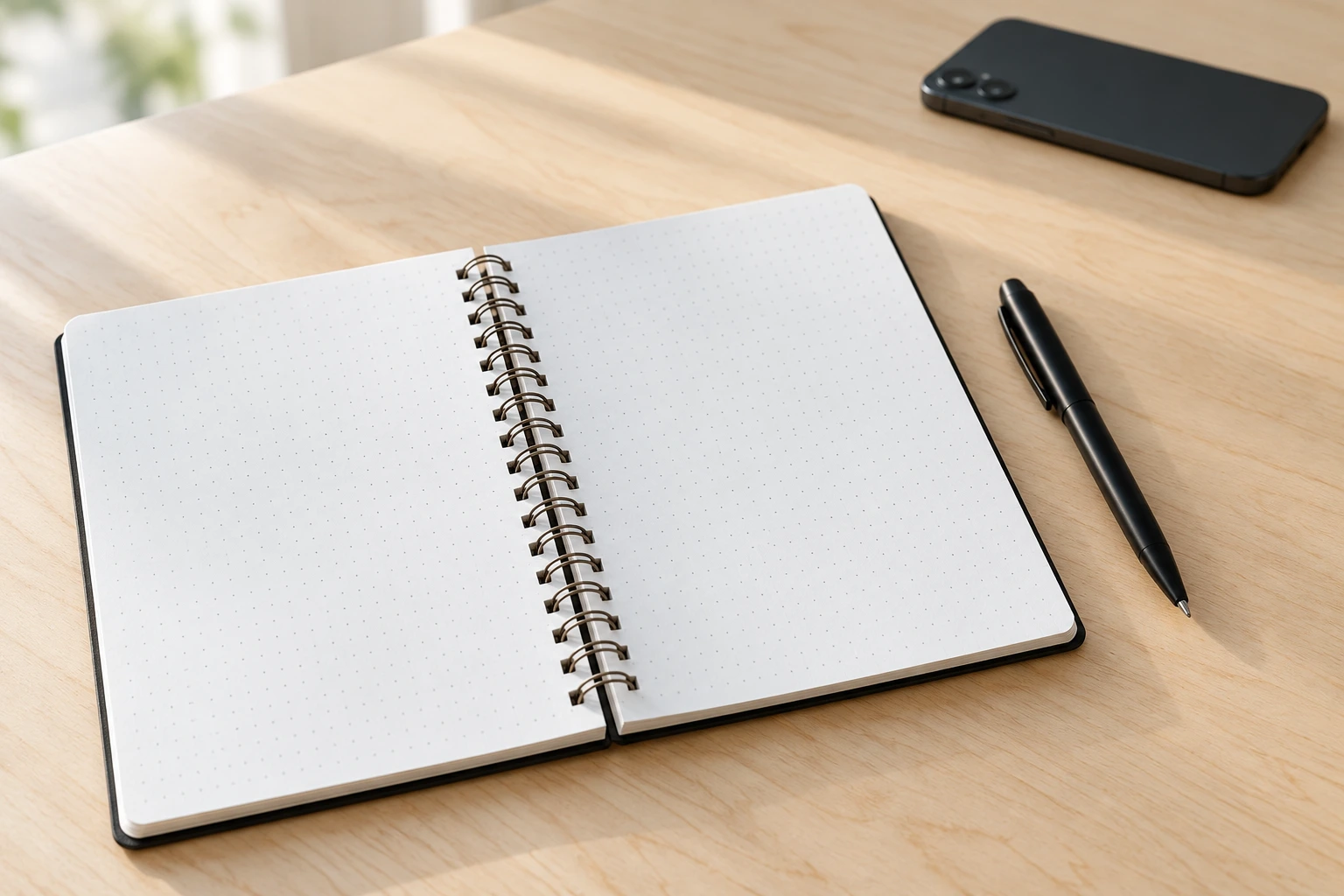
Before a focused session, save anything you want to return to and open the document you will use. Write the next action at the top: outline the cost section, check the address or rewrite the introduction. A document with a visible starting point asks less of you than an open browser waiting for a decision.
Keep research separate
Some tasks genuinely need several tabs. Open those deliberately as the work calls for them. When a question is interesting but unrelated, put it in a note for later rather than following it immediately.
At the end, leave the next action where you can see it on your return. You do not need to keep every tab open as a reminder. If you regularly reopen the same reference, bookmark it inside the project folder so you can find it without keeping it in view all day.
Starting a proposal with a usable workspace
An illustrative exampleImagine you are writing a project estimate. The browser also contains holiday searches and several articles. Save the pages you still want, then open the estimate and the one reference needed for prices. At the top of the estimate, write, "Fill in the materials section." When a question about delivery appears, look up that detail and put the answer in the document. A different product idea goes on the later list. You finish by noting which price still needs confirmation. The next session can start with that question, while the saved holiday pages remain available without competing for the first click.
Prepare the browser before starting
Tick the steps as you work through them.
0 of 5 steps checked
When the task genuinely needs many tabs
Group references by the question they answer, then close the ones whose useful detail is already recorded. Keep original links in the document if you need to verify the information later. You do not need to force complex research into one tab. The practical test is whether you can explain why each open group is there. If saving pages becomes a long organising exercise, use a temporary folder and begin the task. You can tidy the folder after the work has a clearer shape.
Write a browser starting note
Your notes stay in this page. Copy them before leaving; they are not saved or sent to us.