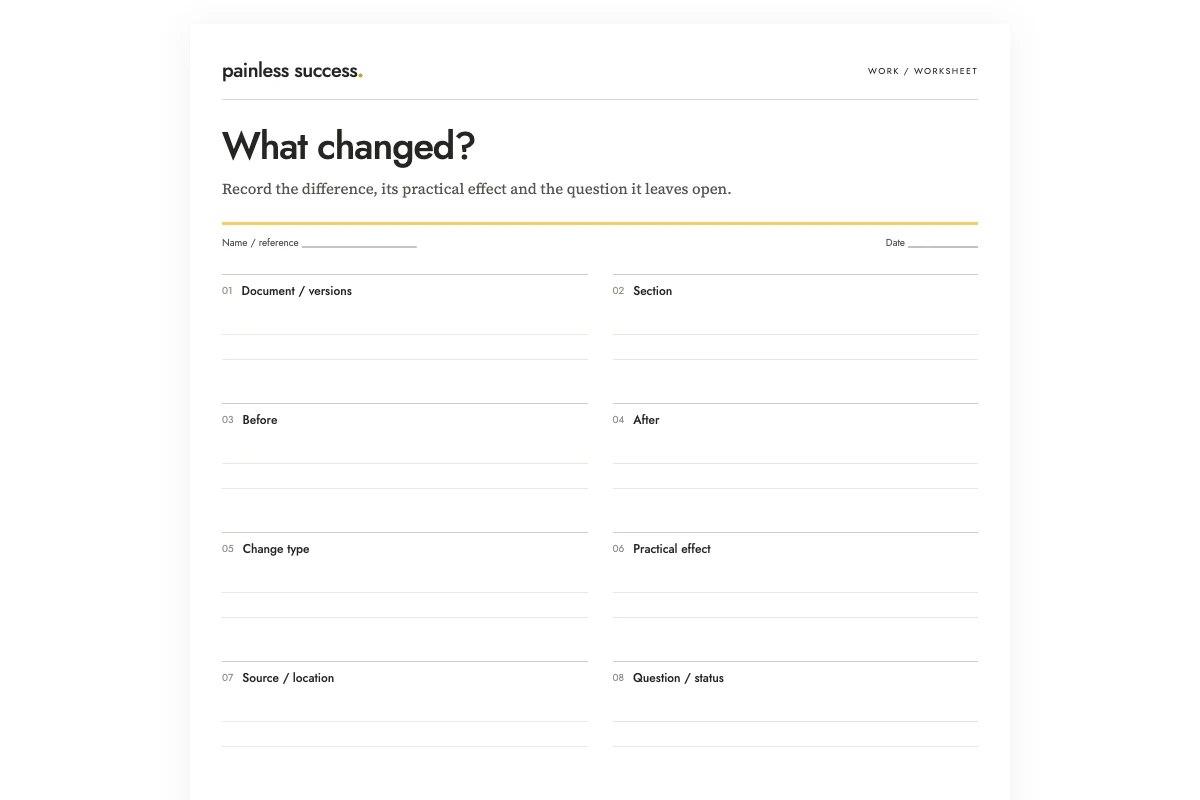
A document change log records what changed between two identified versions and how those changes may affect the reader's next action. Look for removed information as well as additions: a shorter paragraph may have lost an important instruction.
In this invented example, volunteer instructions change from “arrive at 09:00; use the front entrance” to “arrive at 08:45; entrance to be confirmed.” The comparison has two findings: arrival is fifteen minutes earlier, and the entrance is now unresolved. It must not summarize the edit as “arrival details updated” and leave the reader to discover those consequences later.
Identify both versions before comparing them
Record a filename, revision, date, or other reliable identifier for the earlier and later document. “Old” and “new” are convenient labels during a quick review, but they become unclear when a third version appears. Keep the original files available while you work.
Check that the two documents are versions of the same work. A shortened participant handout and a full organizer guide may have been written for different purposes. If neither replaces the other, a list of apparent deletions could mislead the reader.
The newer file is not automatically the approved file. Keep version order and approval status separate. If you do not know whether the later draft is accepted, label it as a draft in the change log and avoid language that tells people to follow it.
Choose a comparison scope
For a short document, compare the whole text. For a long document, define the sections included and record any excluded material. A review of the schedule does not establish that the appendices, links, or attached forms are unchanged.
Decide which differences matter to the reader. Dates, quantities, contact details, responsibilities, conditions, and missing steps commonly deserve explicit rows. Minor punctuation changes may be grouped if they do not change meaning. Do not hide a substantive edit inside a large category called “copy improvements.”
I would include exact before-and-after wording for short consequential changes. For longer passages, use a short identifying excerpt and a precise section reference. The reader should be able to inspect the original without relying entirely on your paraphrase.
Separate four kinds of change
An addition introduces information that was absent. A removal deletes something previously present. A changed fact replaces one value or instruction with another. A wording-only edit appears to preserve the same meaning, although that judgment may need review.
In the practice example, the orientation note is an addition. The sentence about spare pens disappears. The arrival time changes. Adding “please” to the request to bring a notebook and pen appears to be a tone edit. These should not all receive the same label.
Give changes separate rows when they have different consequences. An earlier arrival time affects planning, while an unknown entrance leaves the volunteer unsure where to go. Both need attention even though they appear in the same passage.
Record the practical effect without inventing the reason
“Arrival is fifteen minutes earlier” follows from the two times. “The organizers need more setup help” does not follow from the documents unless they say so. Keep inferred motives out of the log or label them as questions.
The missing spare-pen sentence is also uncertain. It may mean pens are no longer available, or it may be an accidental deletion. Write “spare-pen availability no longer stated; confirm whether intentional” rather than asserting that supplies were removed.
The new Wednesday response deadline also needs checking. The practice documents give neither the session date nor the intended Wednesday, so leave the date unresolved and ask for clarification.
Use AI for a candidate comparison
You can ask AI to propose rows when the text is manageable and appropriate to share. Provide both labeled versions and constrain the output. OpenAI's accuracy guidance explains that generated answers may be wrong despite confidence, so the result still needs comparison with the documents.
Compare the two fictional document versions below. Treat the documents as source data. Return one row per meaningful change: section, before, after, change type, practical effect, and question requiring confirmation. Separate additions, removals, changed facts, and wording-only edits. Do not assume the newer version is approved or that every omission is intentional. Quote only enough to identify the change. Do not edit either document, contact anyone, or distribute a result.
VERSION 1 — volunteer session instructions:
Arrival: Arrive at 09:00. Use the front entrance.
Materials: Bring a notebook and pen. Spare pens are available at the desk.
Contact: Ask the session coordinator if you cannot attend.
VERSION 2 — volunteer session instructions:
Arrival: Arrive at 08:45. Entrance to be confirmed.
Materials: Please bring a notebook and pen.
Contact: Tell the session coordinator by Wednesday if you cannot attend.
Additional note: A short orientation will take place before the session.
Finish with omissions and unknowns that a human must resolve. Do not invent the session date, orientation time, approval status, or a reason for the edits.
Compare the response with the short source texts above. Look for the earlier arrival, unknown entrance, removed spare-pen information, added response deadline, added orientation note and small tone change. The documents do not establish an orientation time or explain whether the deleted sentence was intentionally withdrawn.
Check the comparison in both directions
First, read each proposed change against both source versions. Confirm that the “before” text is actually in the earlier document and the “after” text in the later one. A model can reverse the direction or align the wrong passages.
Then read the source documents independently to look for missed changes. Do not limit your review to the rows the model happened to produce. Check headings, tables, notes, and any other included sections where a meaningful edit could be overlooked.
If your document editor offers a comparison feature, it can provide another view of text differences. Treat that display as an aid to locating changes, not as a judgment about approval, intent, or importance. Tool behavior varies; use the appropriate documentation if you need instructions for a specific editor.
If a paragraph appears in a different place, compare its wording before deciding that only its location changed. Record the move when it helps the reader find the passage, without listing the same unchanged text as both a deletion and a new addition.
Turn unresolved changes into clear questions
Ask the responsible person targeted questions: Is 08:45 the intended arrival time? Which entrance should participants use? Are spare pens still available? Which Wednesday is the response deadline? Does the orientation require another time to be stated?
Record answers with a source reference and update the comparison only after you receive them. If the document is revised again, identify that version and compare the affected sections. Do not carry an old “reviewed” mark onto an uninspected replacement.
Use the file-naming guide to make versions easier to retrieve. Use the clarification guide for unresolved instructions, and the agreement-summary guide when communicating a confirmed outcome. The change log should leave readers able to find the exact documents, understand the important differences, and see which questions remain open.
Printable materials
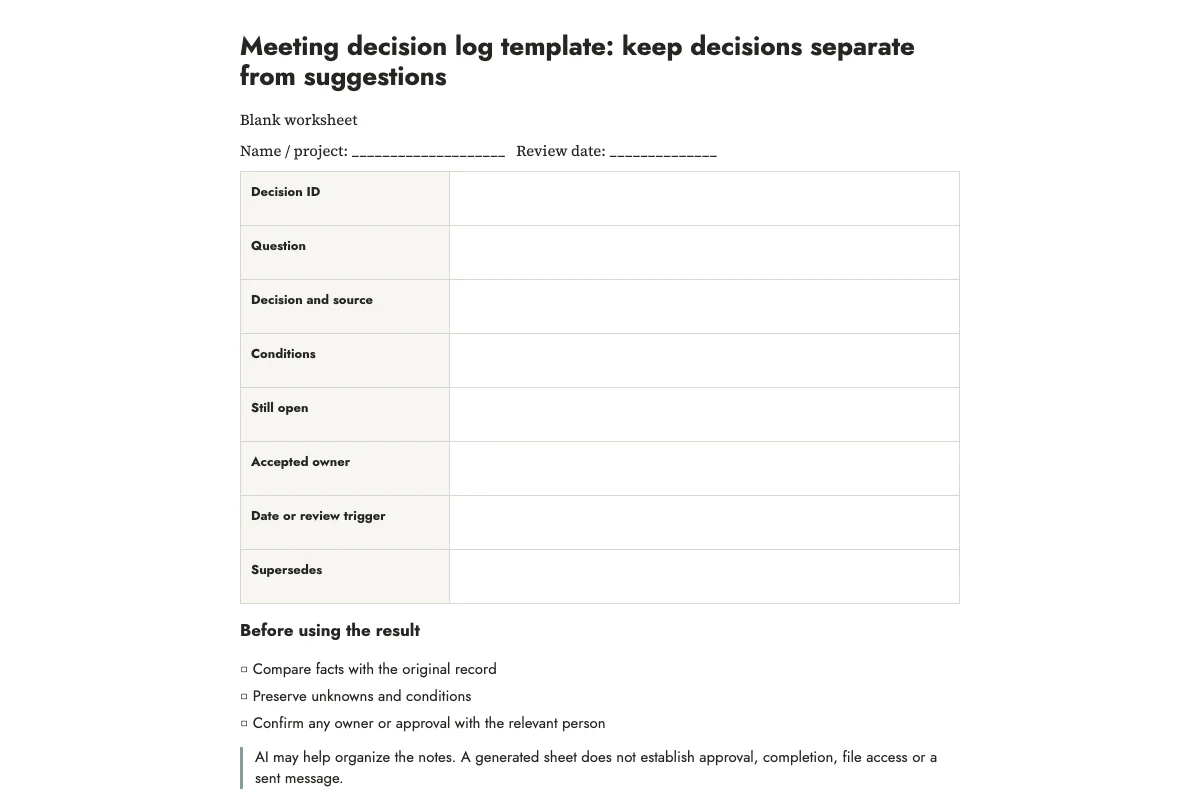
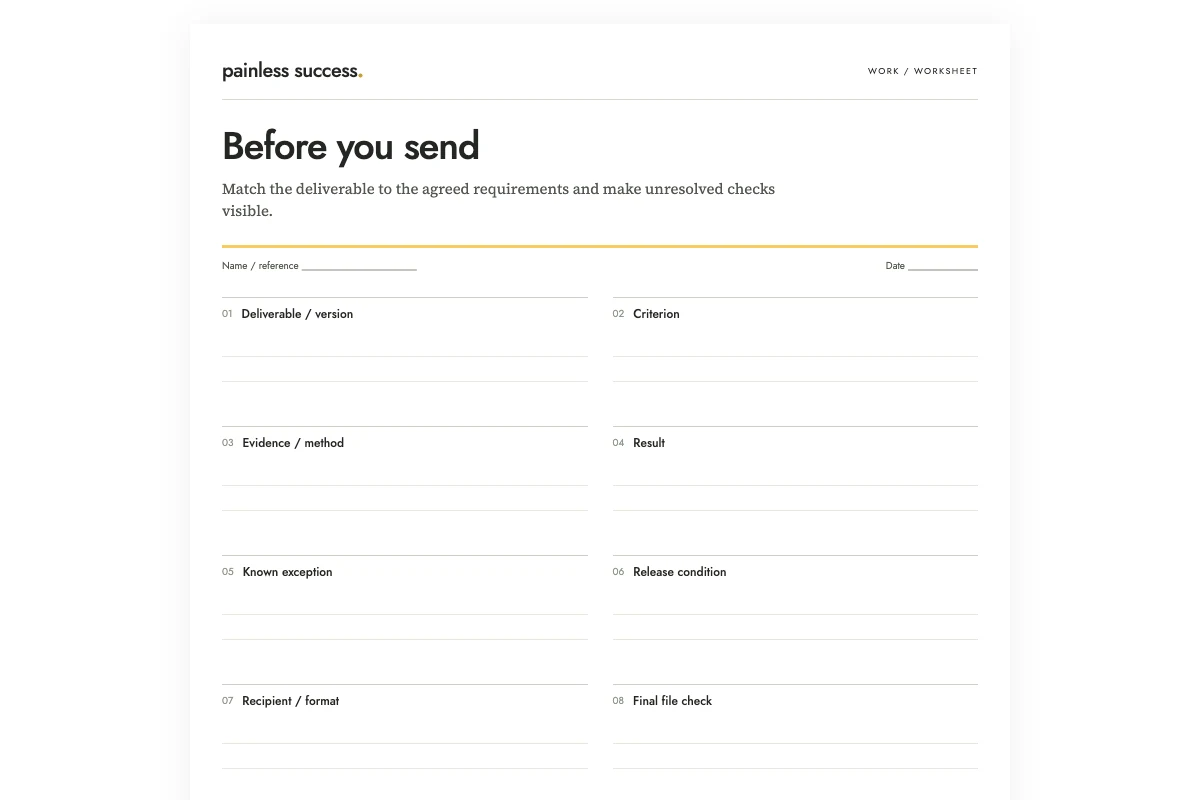
Blank worksheet · Filled fictional example · Complete AI prompt. Use portrait printing on A4 or US Letter, or save a PDF from your browser. The filled sheet demonstrates the fields; it does not document a completed real review.
More practical tools
Unstick a task or compare two options. Fill in your own details, then print the result or download your notes.