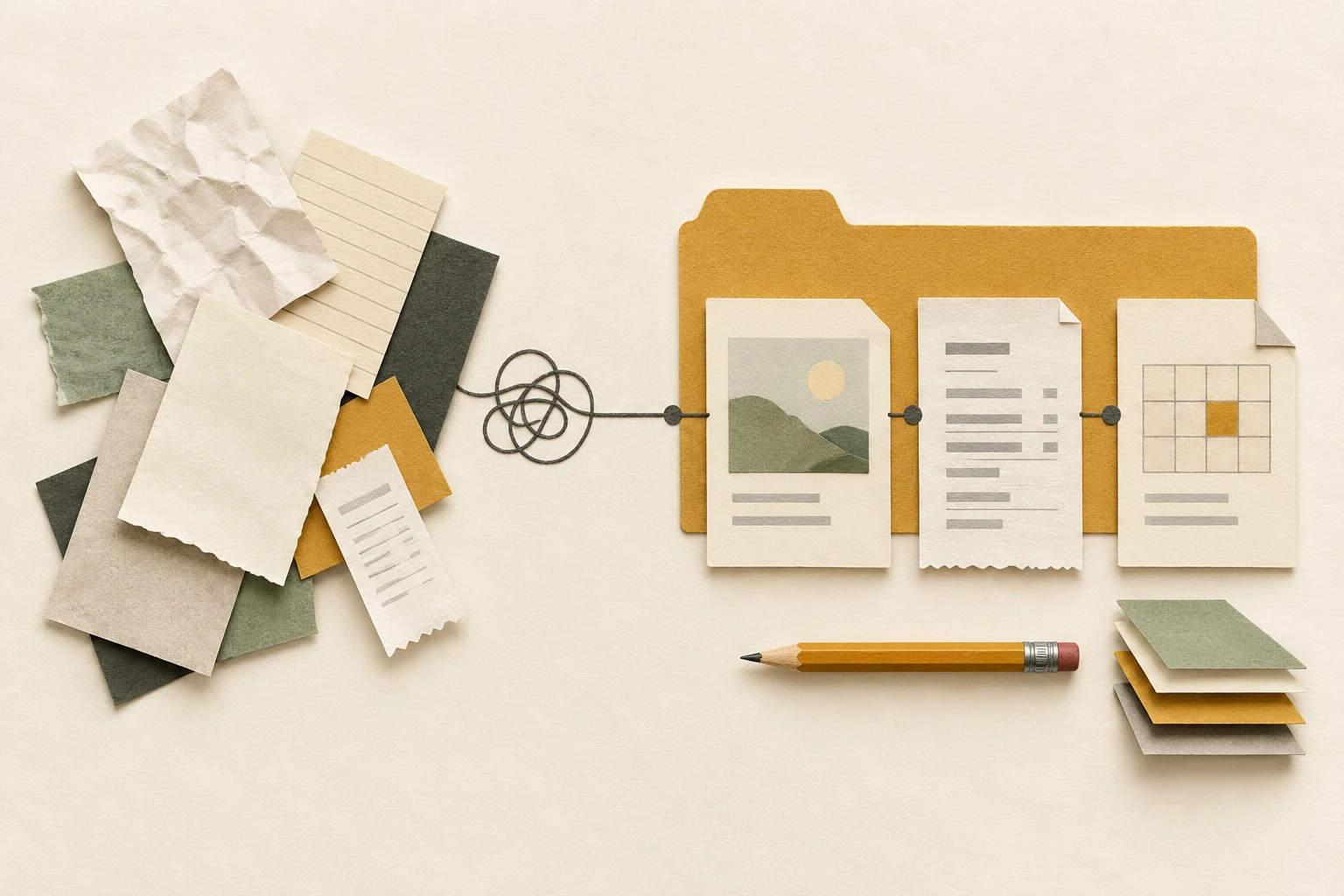
Use the same order of information each time you save a document: date, subject, document type, then a version when you need one. For example, 2026-10-17_bike_receipt.pdf tells you more than scan004.pdf before you open it. Start with one folder you use often; the rest of your archive can wait.
A file naming convention is simply a rule you can repeat. Choose words you would search for six months from now, keep the order consistent, and leave the file extension unchanged. The examples here are a starting pattern for ordinary personal documents.
Choose what the date means
For receipts, use the transaction date. For meeting notes, use the meeting date. For a letter you send, use its sending date. A download date may tell you very little about a document's contents.
Write dates as YYYY-MM-DD, with two digits for the month and day. This makes dated names sort chronologically when the surrounding pattern stays the same. NARA's file naming guidance recommends year-first dates, consistent structures and simple separators. Its records-management guidance is useful here, although a personal folder does not have to follow every government transfer requirement.
If the exact date is unknown, do not invent one. Use the known year, or put the subject first and explain the missing date in a note. Keep that exception consistent within the folder.
Try the pattern on five real situations
These examples use underscores between sections and hyphens inside a date or a short phrase. The version suffix is optional. A receipt usually needs a descriptive name; a proposal being revised needs a way to distinguish the drafts.
| Before | After | What the name tells you |
|---|---|---|
scan004.pdf | 2026-10-17_bike_receipt.pdf | Purchase date, item and record type |
notes.docx | 2026-10-18_kitchen_notes.docx | Meeting date and project |
proposal-final2.docx | garden_proposal_v03.docx | Third saved revision of the proposal |
form.pdf | 2026-10-19_club_form-sent.pdf | Copy of the form sent on that date |
budget-new.xlsx | 2027_trip_budget_v01.xlsx | Planning year and first saved revision |
Read each new name without looking at its folder. If “form” still leaves you guessing, add the organisation or purpose. If a name becomes a sentence, remove details that belong inside the document. Avoid putting account numbers or other unnecessary personal identifiers into names you might share.
Separate revisions from copies you sent
For an evolving document, use v01, v02 and so on when saving distinct revisions. Decide what earns a new number: a review round, for example, rather than every minor correction. Keep the same rule for that project.
When you send a copy, preserve the actual attachment and give it a sending date or a clear status. A newer working draft does not tell you what the recipient received. If a shared document already has reliable version history, agree with collaborators before adding numbered duplicates everywhere.
The Smithsonian's naming and organising guidance suggests using version or status information where useful and keeping extensions matched to their formats. Renaming .docx to .pdf does not convert a document; use your application's export function.
Rename a small batch and test retrieval
- Choose five files from one ordinary folder and open them to confirm their contents.
- Write your naming rule in the worksheet. Include the meaning of the date and when versions change.
- Rename the files, retaining their extensions. Leave application-managed libraries and files used by other systems alone unless their instructions permit renaming.
- Sort the folder by name. Check that the dates and versions appear in the order you intended.
- Find one document using the words you would normally search. Adjust an unclear subject before renaming more files.
For a shared folder, show the examples to the other people using it. A pattern that only one person understands creates more translation work. Keep a short naming note beside the files, then apply it to new arrivals. You can rename older documents when you next use them.
Write your folder's naming rule
Your notes stay in this page. Copy them before leaving; they are not saved or sent to us.