A weighted decision matrix lets you compare options against the same criteria. Give each criterion a weight, score both options and calculate a weighted average. Use the result to identify what drives your preference and which uncertain facts deserve another check.
The calculator compares two options on three criteria. Scores run from one to five, with five always meaning a better fit. The weights can use any nonnegative scale as long as their total is greater than zero. Each result is shown on a five-point scale.
Remove options that fail a requirement
Start with requirements that cannot be traded away. If a course must be accessible on your device or a workspace must open at a particular time, verify that before scoring. A high score on convenience should not compensate for failing a condition that makes an option unusable.
Write the requirement in a separate note. If you discover that it is actually a preference, move it into the weighted criteria deliberately. Making this distinction first prevents the arithmetic from giving you a persuasive result for an option you cannot use.
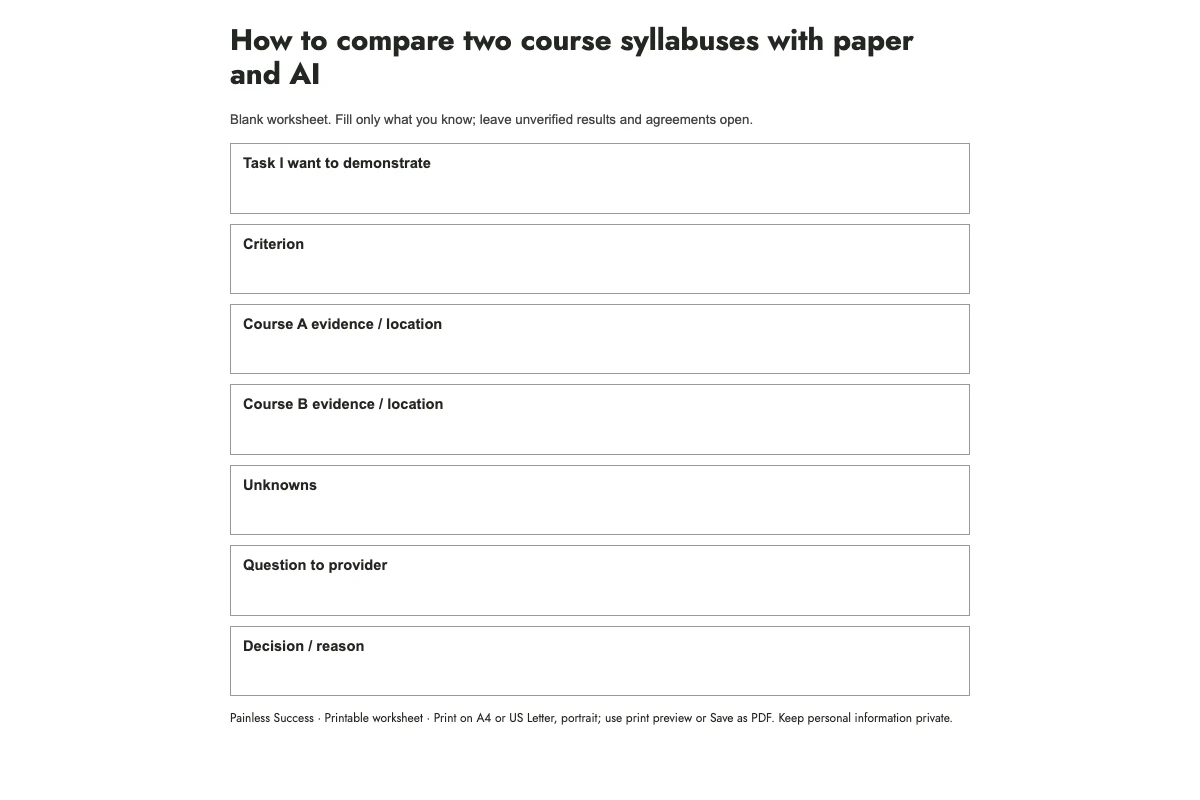
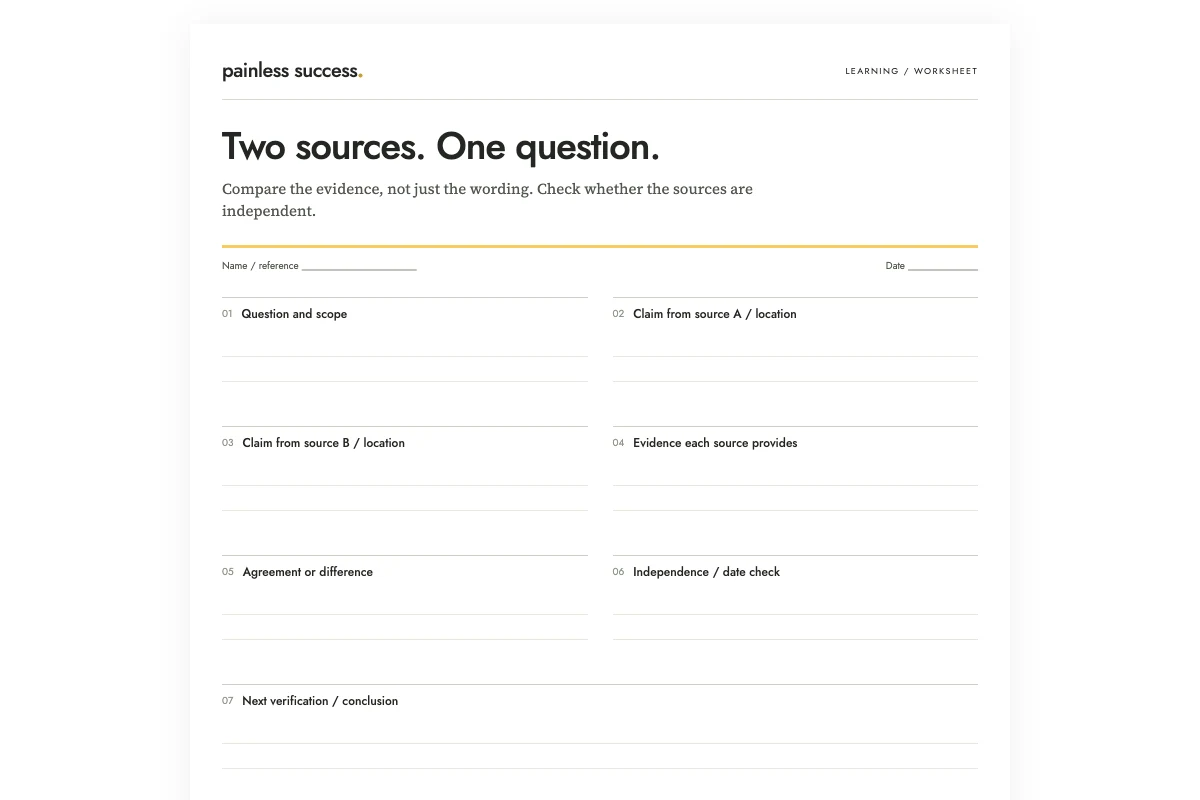
Before scoring, compare your two options against their must-have conditions. Mark each condition as met, unmet or not checked, then print the comparison with the trade-off and the next fact to verify. Use the calculator below for preferences once you have checked the requirements.
Choose criteria that describe different benefits
For an illustrative comparison of two evening courses, you might use schedule fit, relevance to a current project and total cost. Avoid counting the same benefit twice under different names. "Easy to attend" and "convenient timetable" may be nearly identical unless you define a real difference.
Name what a high score means. For cost, five might mean comfortably within your available budget and one might mean difficult to afford. Do not enter a larger price as a larger quality score. ASQ's decision matrix guidance specifically emphasizes keeping the preferred end of the rating scale consistent.
Make the weights before the scores
Try weights of 50 for schedule fit, 30 for relevance and 20 for cost. These express your priorities for this particular decision. They are not universal recommendations for choosing a course.
Suppose option A scores 5, 3 and 2. Its weighted total is 50 × 5 + 30 × 3 + 20 × 2 = 380. Divide by the total weight, 100, for a score of 3.80. Option B scores 3, 5 and 4, giving 3.80 too. The tie exposes a tradeoff: one fits the calendar better; the other rates better on content and cost.
If you only change the weights after seeing the result, record why. You may have discovered a legitimate preference. You may also be trying to make the spreadsheet endorse the choice you already wanted.
Mark unknown facts instead of pretending to know
A score of three can mean "average" or "we have not checked." Those are different situations. Put unknown information in a note and decide whether it could change the choice. An unanswered question about cancellation terms may deserve a direct enquiry before you commit.
Use observable evidence where possible: published schedules, a sample lesson or the full price. Keep impressions labeled as impressions. The calculator cannot determine whether your scores are fair or whether the options were chosen well.
Test a close result
Change one uncertain score by one point and calculate again. Then try a reasonable alternative set of weights. If the winner changes easily, describe the result as sensitive to those assumptions. A small numerical lead does not remove uncertainty from the decision.
For a decision involving other people, discuss the criteria before averaging opinions. Different scores can reveal different requirements, access needs or information. Resolve those differences where possible, then record the choice, the strongest reason for it and any condition that would make you reconsider.
Record your criteria and assumptions
Your notes stay in this page. Copy them before leaving; they are not saved or sent to us.